Your roster, sorted in about a minute.
Paste it, screenshot it, forward it or check your airline's page in one click. Glidepath Flights reads it, draws your trips, counts down to report on a 24-hour clock and checks your duty limits. There's no airline login, ever.
Free for every crew member. Trip figures, and duty limits for flight attendants, come with Plus; FAR 117 for pilots and the pilot logbook with Pro.
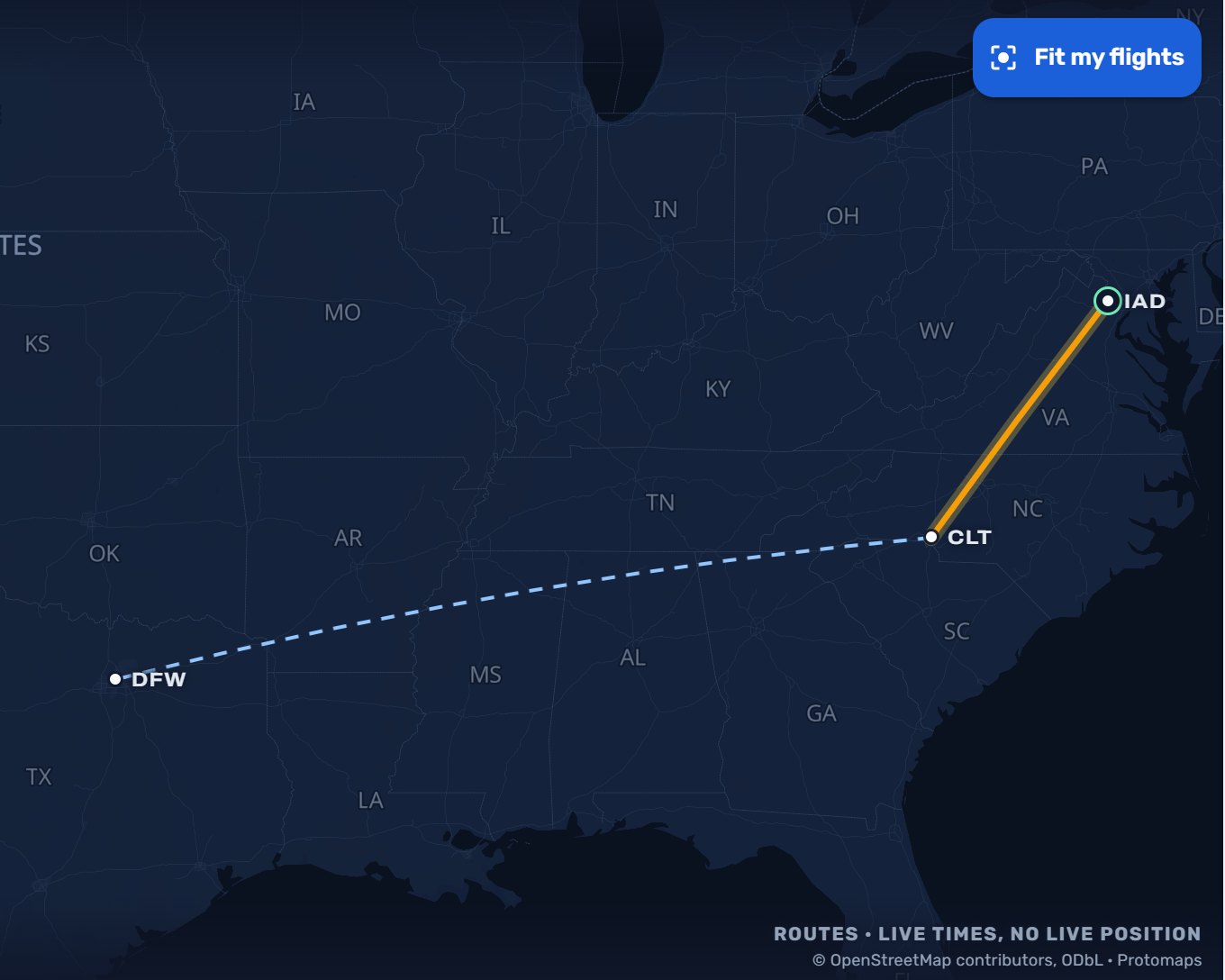
- Your trip
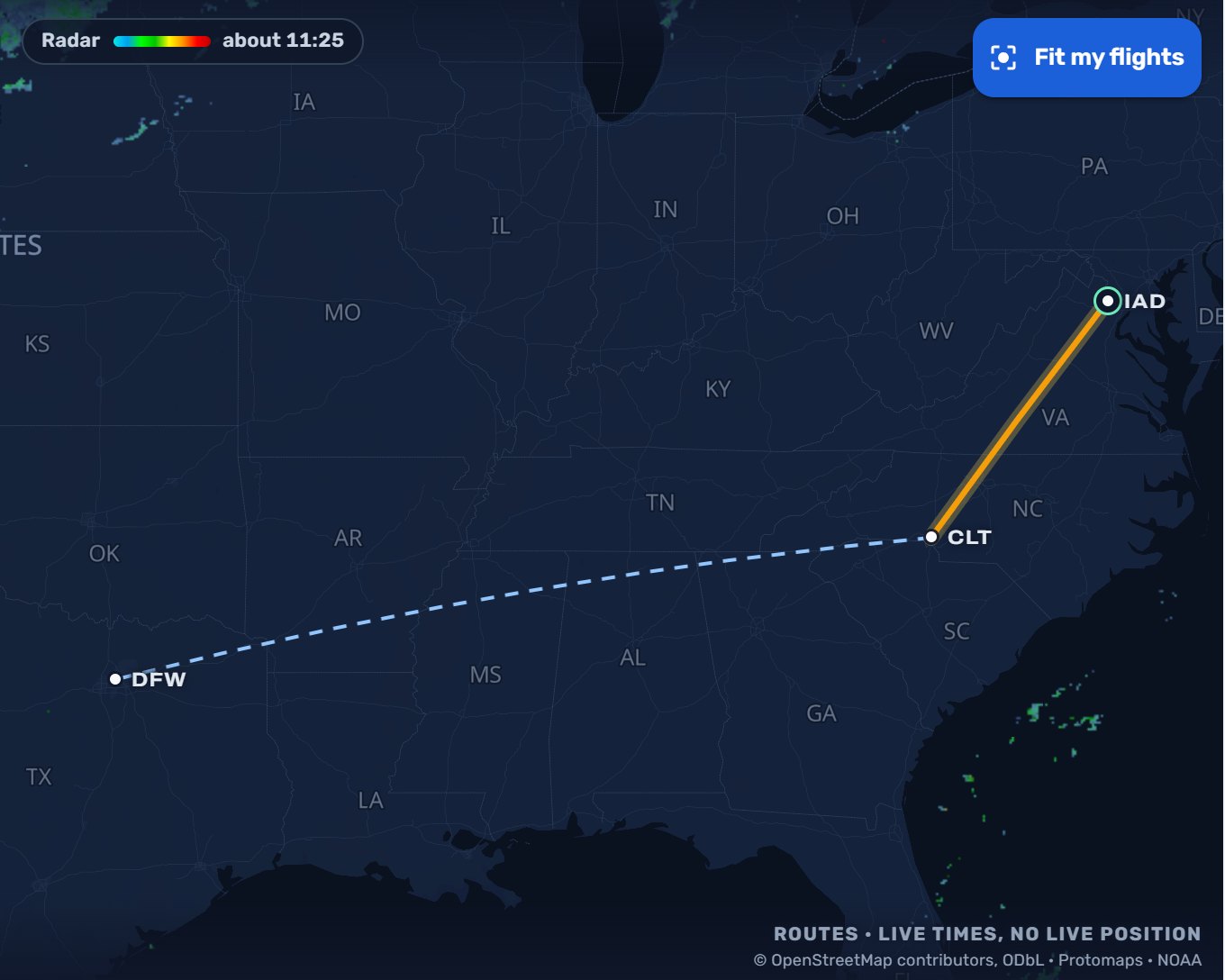
- Radar
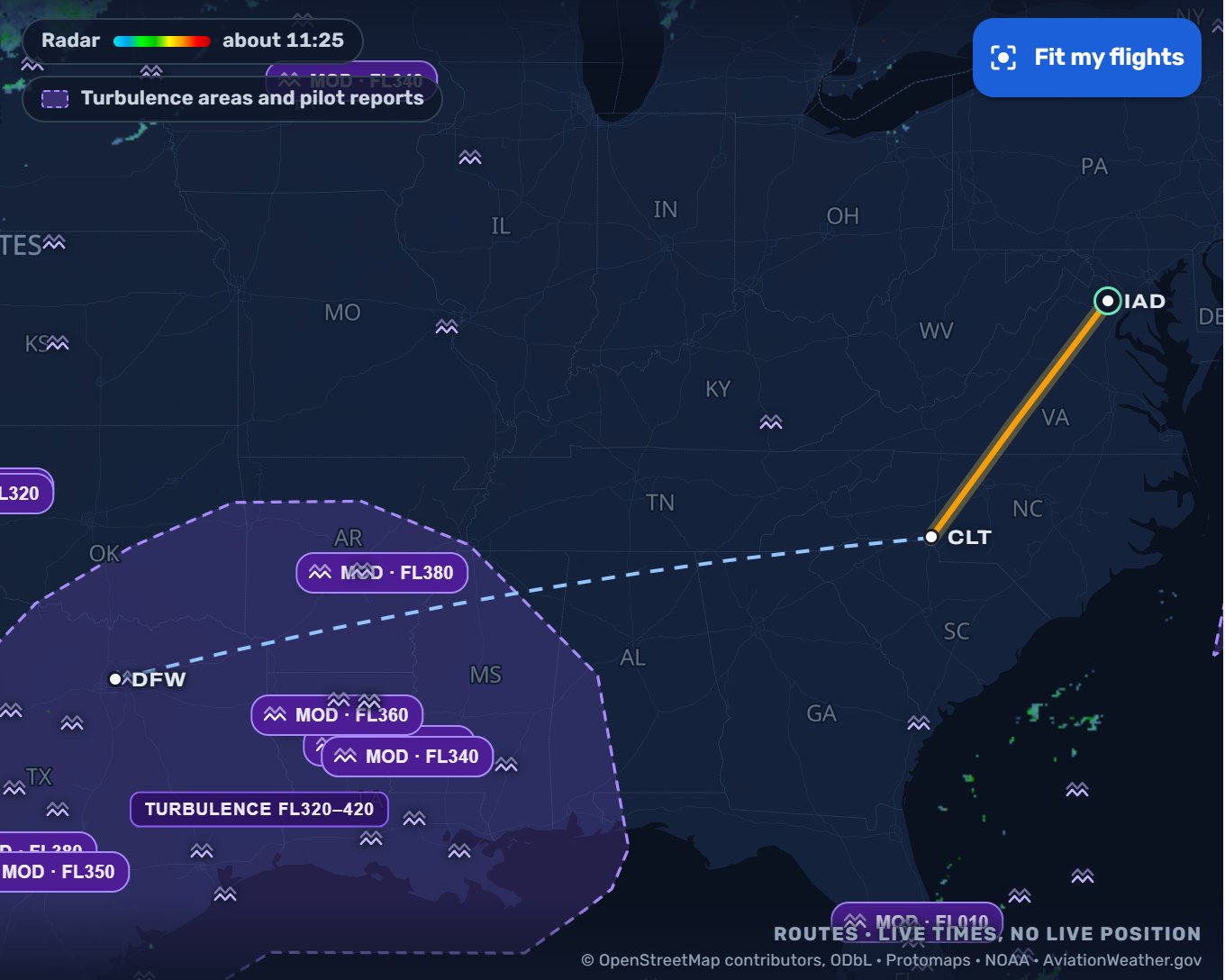
- Turbulence and pilot reports
The live map in the app, dark style. Turbulence in your words: MOD · FL380. Over the US, on every plan.
Bring your roster in any way you have it.
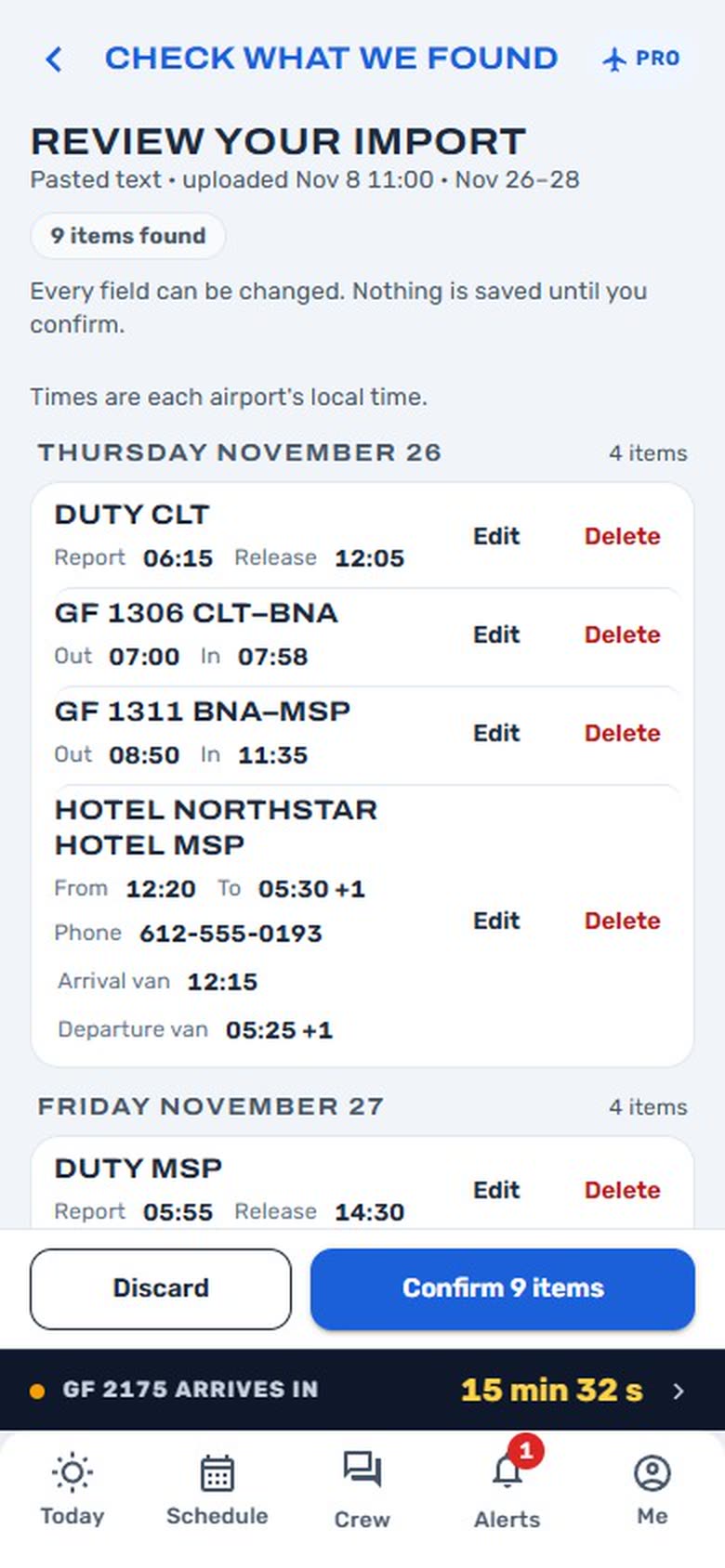
One reader for every format. AI finds your duties, legs, layovers and days off in what you paste, screenshot or forward, and you check every one before anything is saved.
Your roster in three steps
- Grab your rosterA screenshot, the PDF or the text.
- Send itOpen Import and pick how. AI reads it in about a minute.
- Check itAnything marked needs a look. Check every row; nothing is added until you confirm.
Bring it in now
- Paste the textFree
- Up to 10 screenshotsFree
- A PDF or other fileFree
Keep it up to date
- Forward each roster emailFree
- Your airline's page, from Chrome or EdgeFree
From another app
- Your phone's calendar, on AndroidFree
- Past flights from a CSVPlus
- A LogTen or ForeFlight logbookPro
Free includes 5 AI imports a month. Your calendar and logbook files are read in code, not by AI.
Glidepath Flights for Chrome and Edge
Sign in to your airline's crew site as you always do and open your schedule. One click, and Glidepath Flights reads the page you have open and brings your trips in.
- 1Your airline's crew siteYou sign in there, as always.
- 2Check this pageOne click, on any plan.
- 3Your Glidepath Flights scheduleReady to review, or updated with what changed.
- Your airline username and password never pass through Glidepath Flights.
- It reads only the schedule you have open, never what you type into its forms or editing areas. On some crew sites it asks the site for your own roster instead, with the sign-in you already have.
- With Plus or Pro, switch on your airline's site and it checks each time you open your schedule.
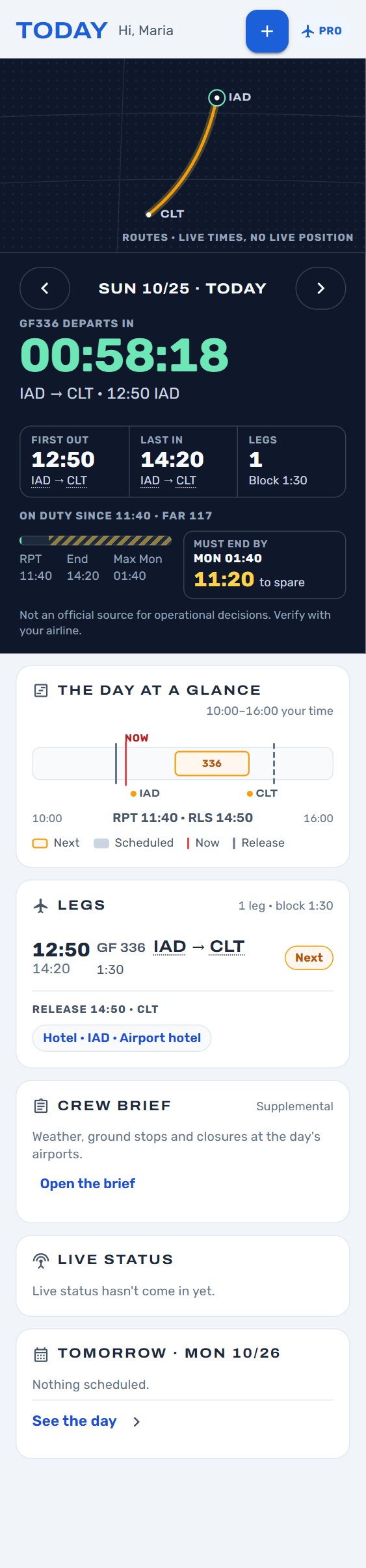

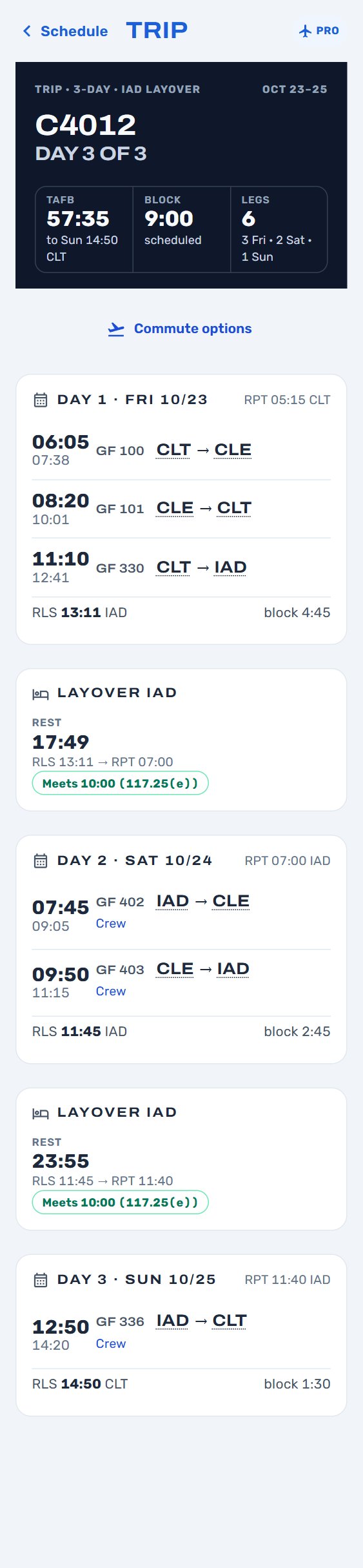
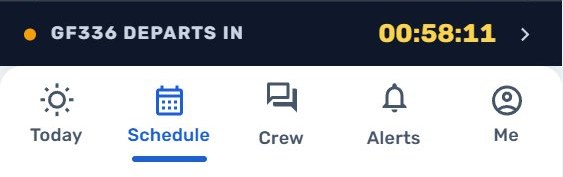
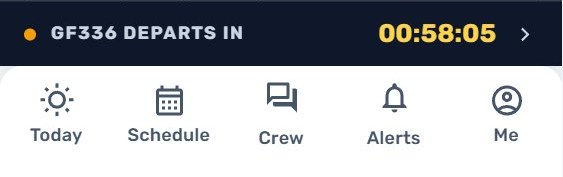
Today counts down. Your trips add up.
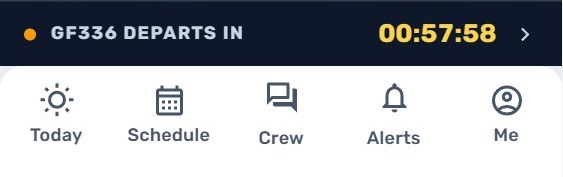
Your next report, departure or release sits at the top of Today, with your legs, hotel and tomorrow below, and a strip keeps it in view on every other page. Your legs come together as trips.
- Today, the countdown strip and your tripsFree
- Block, TAFB and layover rest on every tripPlus
- Every roster change you import, trip by tripPlus
- The crew brief: weather, closures and ground stops at the day's airportsPlus
- Live times, gates and tails, and alerts when they changePlus
- Commute options to report, and home after releasePlus
Your duty limits, from your schedule.
Glidepath Flights works your FDP, rest and cumulative limits out from the schedule you imported, with your own report and release times, and shows what's left right on Today.
- FAR 117: Tables A, B and C, rest and the cumulative limitsPro
- Extensions, split duty, reserve and augmented crewsPro
- US flight attendant rules, FAR 117 or EASA, for flight attendantsPlus
- EASA and UK, for pilotsPro
Advisory only. Not an official source for operational decisions. Verify with your airline.

Who's on your flight. Who's on your layover.
For verified crew only, checked by your work email. Free, with every report read by our team within 24 hours.
- Crew lists
Who's flying with me
On your flight's page: the crew who chose to be listed, with their position and airline.
- Chats
Trip and layover chats
A chat for each stretch you fly together, and one for each layover night with the crew who opted in.
- Messages
Write to your flight's crew
Message someone on your flight's crew list. Anyone not working it with you chooses to reply or decline, and you can block anyone.

A pilot logbook that fills itself.
Every flight you fly becomes an entry with out, off, on and in, and night worked out for you. Bring your LogTen or ForeFlight logbook in, and take it out again whenever you like.
- Fills itself from the flights you flyPro
- Out, off, on and in from a photo of the ACARS pagePro
- A PDF to print, and files for LogTen and ForeFlightPro
- Your Logbook, Passport and Year in reviewFree
Your family follows free.
Mark up to 6 followers as family. They get the Family view: where you are, when you're home and your week away and at home, with a Sunday email if they'd like it. You decide what they see, and hotels stay hidden unless you share them.
- Followers, your family circle and the Family viewFree
- On the way home, and landed safely, sent to your familyPlus


Beside the crew apps you know.
Here's Glidepath Flights beside what other crew apps say on their own pages, checked Oct 25, 2026.
- Your roster
AI reads screenshots, PDFs, pasted text or a forwarded email. No airline login.
RosterBuster fetches automatically from more than 20 crew systems; its terms say it keeps your crew-portal username and password for that. Aviate Roster signs in through the airline's own identity provider.RosterBuster terms, Aviate Roster FAQ · checked Oct 25, 2026
- Duty limits
FAR 117, EASA and UK, worked out from the schedule you imported. Advisory only.
LogTen's FAR 117 Duty Monitor works the limits out from the FDP start and end times the pilot types in.LogTen help · checked Oct 25, 2026
- Crew together
Crew lists for verified crew only, which you can leave any time; trip, layover and direct chats, free.
RosterBuster has chats per flight and layover; its terms say profiles are visible to all users unless set private.RosterBuster terms · checked Oct 25, 2026
- Logbook
Pro, $59.99 a year: it fills itself, with LogTen and ForeFlight in and out.
LogTen Pro is $129.99 a year on iOS and Mac. ForeFlight's logbook comes with Starter, $130 a year.LogTen, ForeFlight · checked Oct 25, 2026
Where they're ahead: RosterBuster fetches rosters by itself from more than 20 crew systems, and LogTen has more than 100 reports, 8710 forms among them. Names belong to their owners; we're not affiliated with any of them.
See every comparisonFree for crew. Not a trial.
Your trips, your crew and your records cost nothing, for as long as you fly. Plus adds the trip figures and live flight data. Pro adds the pilot's tools.